If Motivational is missing from the widget gallery
Confirm the app is installed, open it once, and return to the widget gallery. If it still does not appear, restart the iPhone and check that iOS and Motivational are up to date before trying again.
iPhone Motivation Widget
Install Motivational first, then use Apple's widget gallery to place a daily quote on your Home Screen. The controls can move slightly between iOS versions, but Apple's current flow is touch and hold, Edit, Add Widget, choose a size, and place it.
Published and reviewed by the Motivational product team · Updated September 3, 2026 · Official App Store product details
4.9 out of 5 from 26 U.S. App Store ratings · checked October 26, 2026
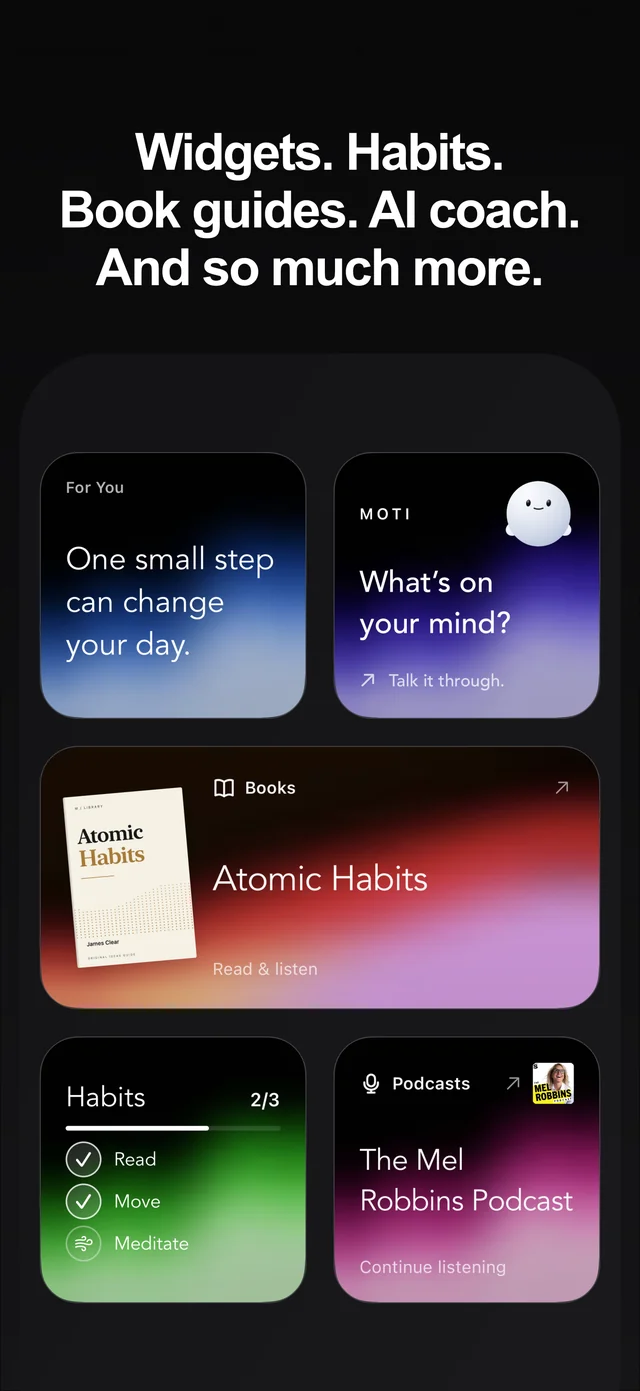
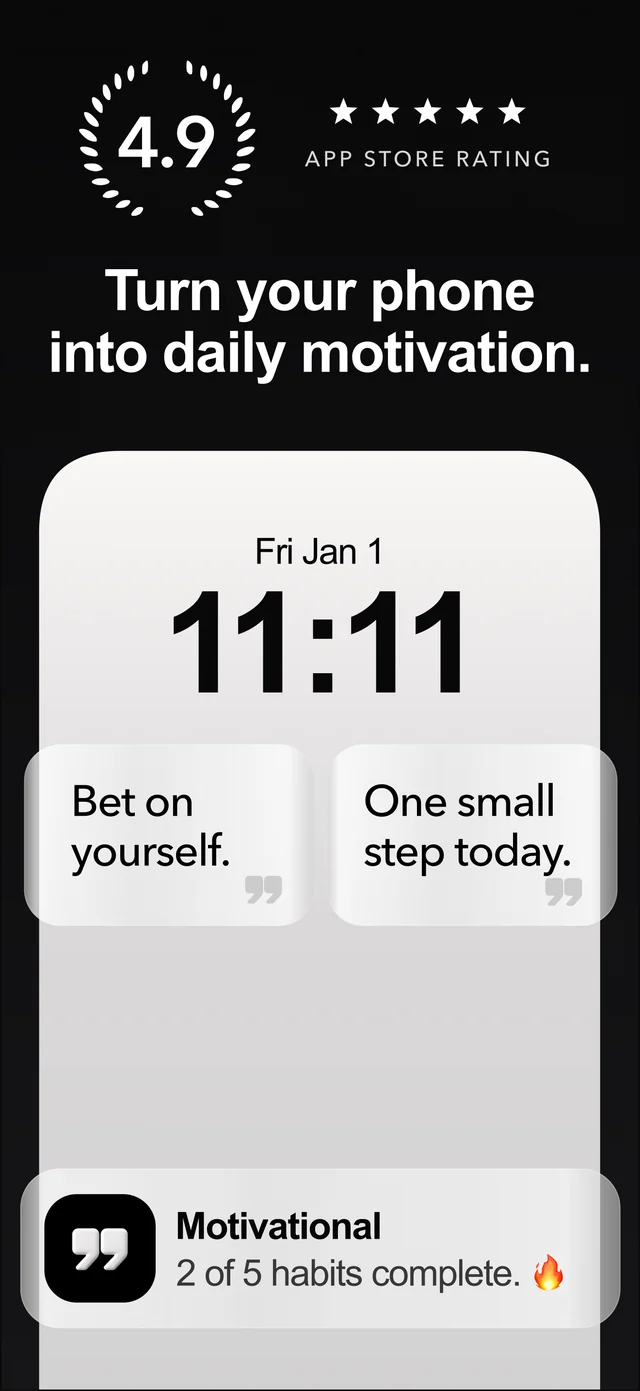
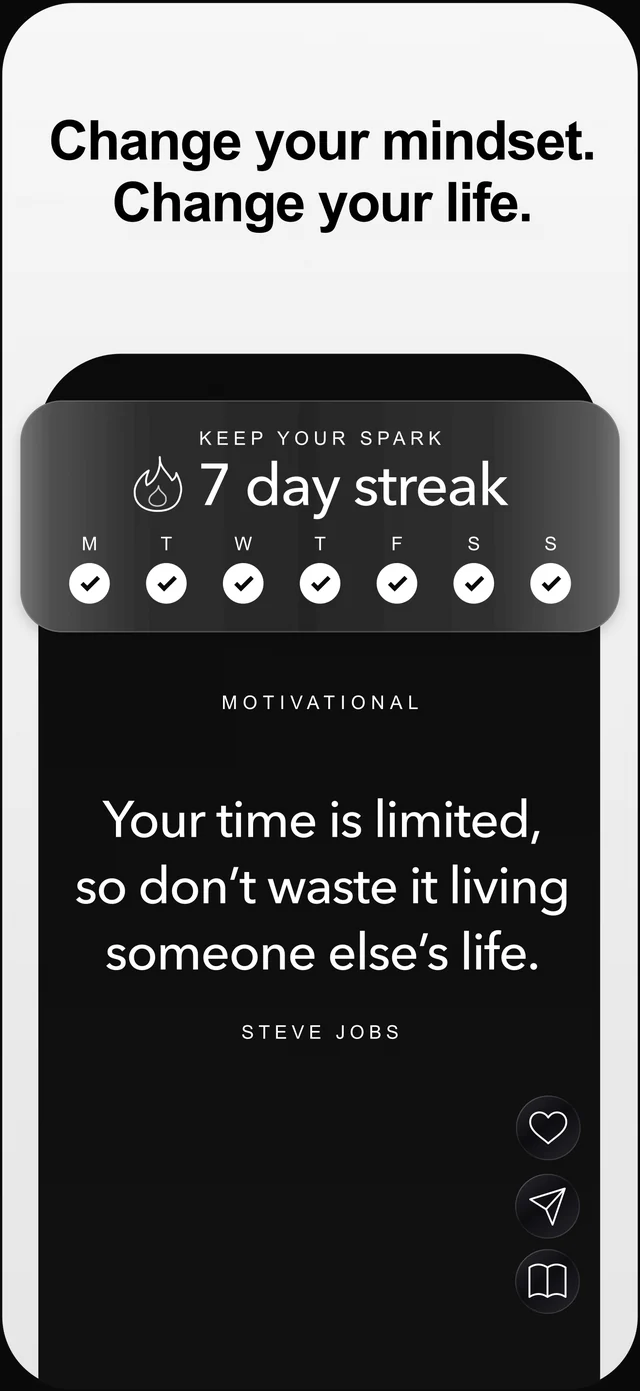
What You Get
Current Home Screen instructions based on Apple's iPhone User Guide
Separate Lock Screen steps for a more immediate daily cue
Placement advice for work, workouts, study, and morning routines
Simple checks when Motivational does not appear in the widget gallery
Practical Guide
Open the app at least once after installing it, then follow the iPhone widget flow below.
Go to the page where you want the quote. Touch and hold an empty area until the apps begin to jiggle.
Use Edit at the top of the screen and choose Add Widget to open Apple's widget gallery.
Find Motivational in the gallery, open it, and swipe through the available widget sizes and styles.
Tap Add Widget, drag it to the place you want while the apps are still jiggling, and tap Done.
Open Motivational to choose topics and styles that fit the mindset you want the widget to reinforce.
For the Lock Screen: touch and hold the Lock Screen, tap Customize, choose Add Widgets, add Motivational, then tap Done. Button names and positions can vary slightly by iOS version.
Sources
Confirm the app is installed, open it once, and return to the widget gallery. If it still does not appear, restart the iPhone and check that iOS and Motivational are up to date before trying again.
Put it near the apps you open before work, study, training, or bedtime. The location matters because a cue works best when you see it immediately before the behavior.
A Lock Screen quote appears before you enter the phone, while a Home Screen widget allows more space and can sit beside related apps. Try both and keep the one you actually notice.
Questions
An iPhone motivation widget shows motivational quotes on your home screen or lock screen so encouragement stays visible throughout the day.
Yes. Motivational includes lock screen quote experiences and widgets.
Open Motivational once after installing it, then check the widget gallery again. If it is still missing, restart your iPhone and make sure both iOS and the app are up to date.
Start free on iPhone
Explore quotes across 100+ topics, keep favorites close with widgets, and turn inspiration into action with habits, journals, streaks, and Moti AI.
 Get Motivational free
4.9 out of 5 · 26 U.S. App Store ratings