Use the widget as a cue, not a cure
A visible sentence can interrupt autopilot, but it cannot do the work for you. Pair the cue with a tiny response—open the document, start the walk, drink the water, or check the habit.
Quote Widget App
Motivational is a free-to-download iPhone app for keeping daily quotes where you will actually see them. Choose topics, use readable widget styles, and place motivation on your Home Screen or Lock Screen. Optional in-app purchases are available; check the official App Store listing for current plan details.
Published and reviewed by the Motivational product team · Updated September 3, 2026 · Official App Store product details
4.9 out of 5 from 26 U.S. App Store ratings · checked October 26, 2026
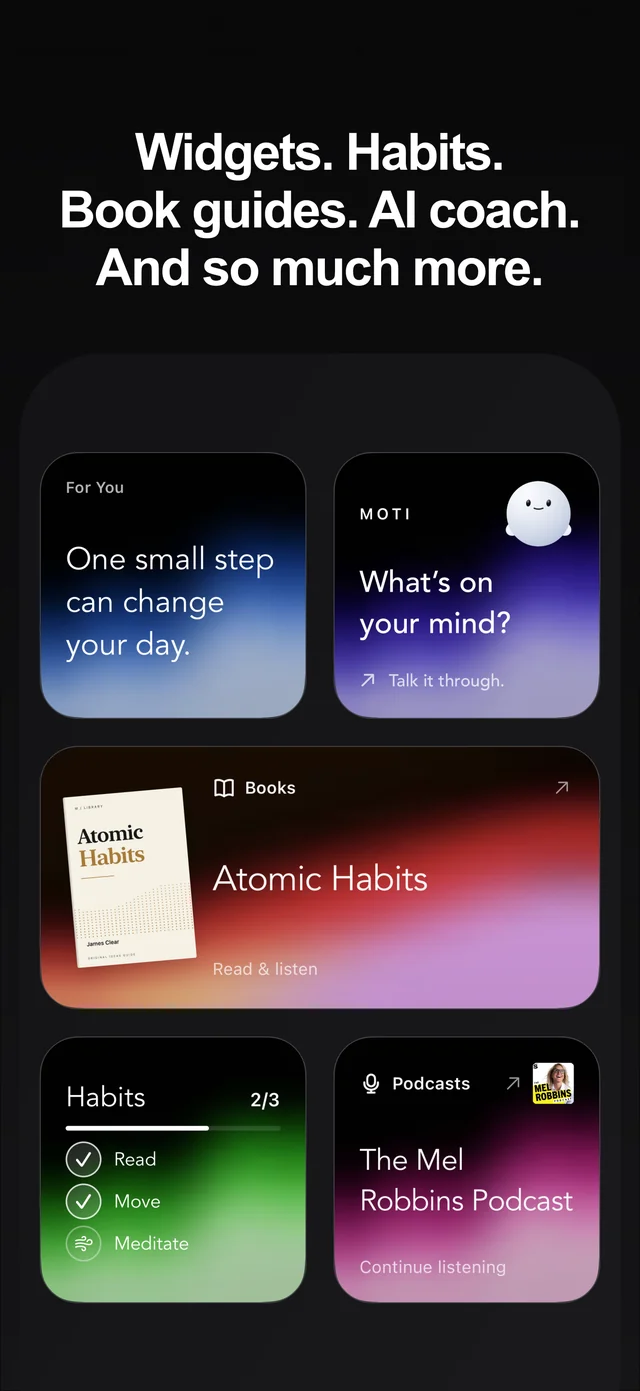
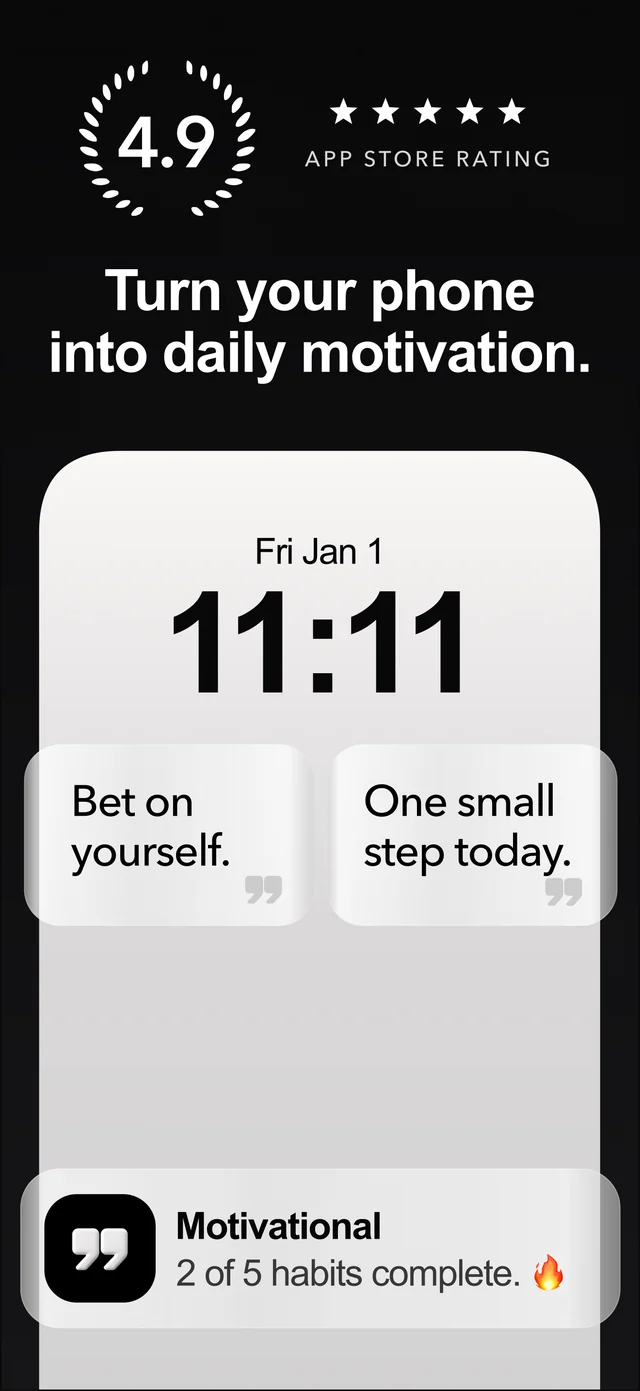
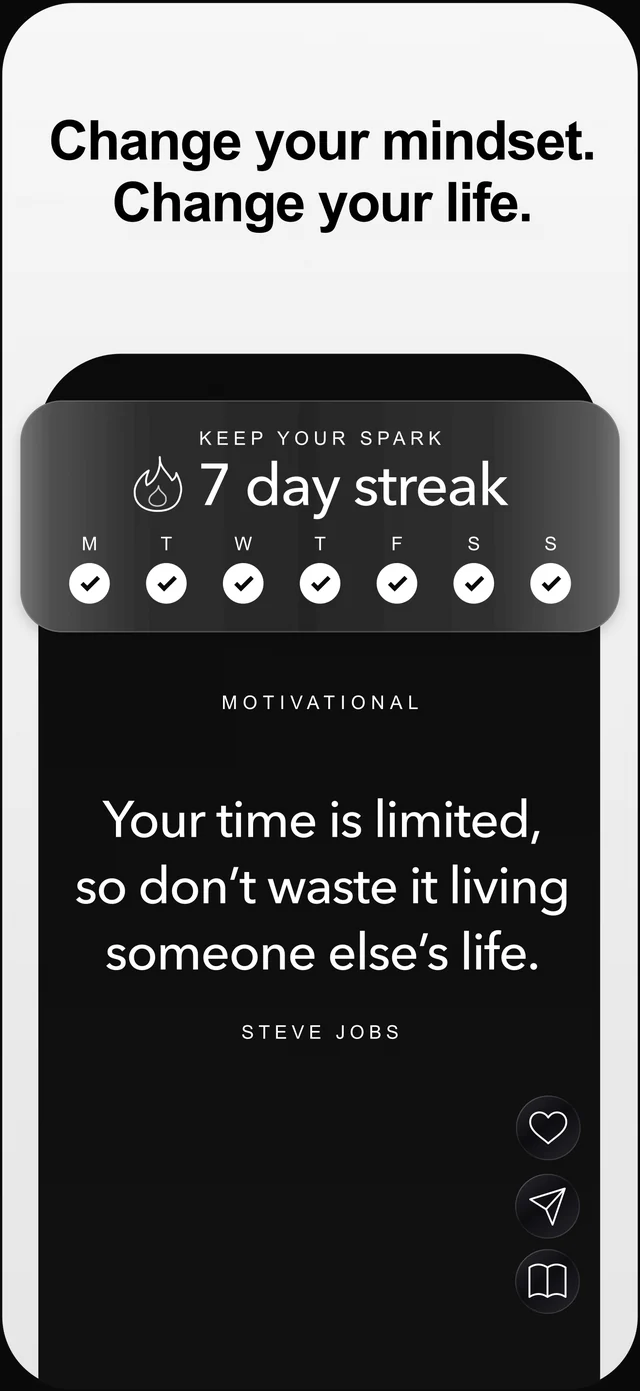
What You Get
Free to download on the U.S. App Store, with optional in-app purchases
Readable quote layouts at the small sizes people actually use
Home Screen and Lock Screen widgets for different routines
Topic choices so the message can match your current goal
A full quote experience behind the widget when a line lands
Practical Guide
A widget earns permanent screen space only when its content, controls, and visual fit work together.
Preview the smallest widget size against your normal wallpaper. The quote should remain legible without opening the app or squinting at decorative type.
A generic rotation gets stale quickly. Topic choices for discipline, confidence, resilience, or focus make the widget more relevant to what you are building.
A Home Screen widget works well near frequently used apps; a Lock Screen widget can create an earlier cue. Choose the location you naturally see before the behavior you want to change.
A strong widget should lead somewhere useful: the full quote, favorites, related topics, sharing tools, habits, or reflection—not an unrelated screen.
A visible sentence can interrupt autopilot, but it cannot do the work for you. Pair the cue with a tiny response—open the document, start the walk, drink the water, or check the habit.
A high-contrast design usually survives wallpaper changes and stays readable longer than a busy novelty layout. The words should remain the main event.
This page helps you evaluate the app. If you already chose Motivational and want installation steps, use the iPhone motivation widget guide linked below.
Questions
Yes. Motivational displays daily quotes through iPhone Home Screen and Lock Screen widgets, with the full quote app available when you want to browse, save, or share more.
Install and open Motivational, then touch and hold your iPhone Home Screen, choose Edit and Add Widget, search for Motivational, select a size, and place it. The linked iPhone motivation widget guide has full Home Screen and Lock Screen steps.
Yes. Motivational includes Lock Screen quote widgets as well as Home Screen widget options.
Motivational is free to download on the U.S. App Store and offers optional in-app purchases. Check the official App Store listing for current plan and feature details.
Start free on iPhone
Explore quotes across 100+ topics, keep favorites close with widgets, and turn inspiration into action with habits, journals, streaks, and Moti AI.
 Get Motivational free
4.9 out of 5 · 26 U.S. App Store ratings